
How Systems Create Time, Consistency, And Scale
Most businesses don’t have a growth problem. They have an infrastructure problem. Automation is how you fix it.
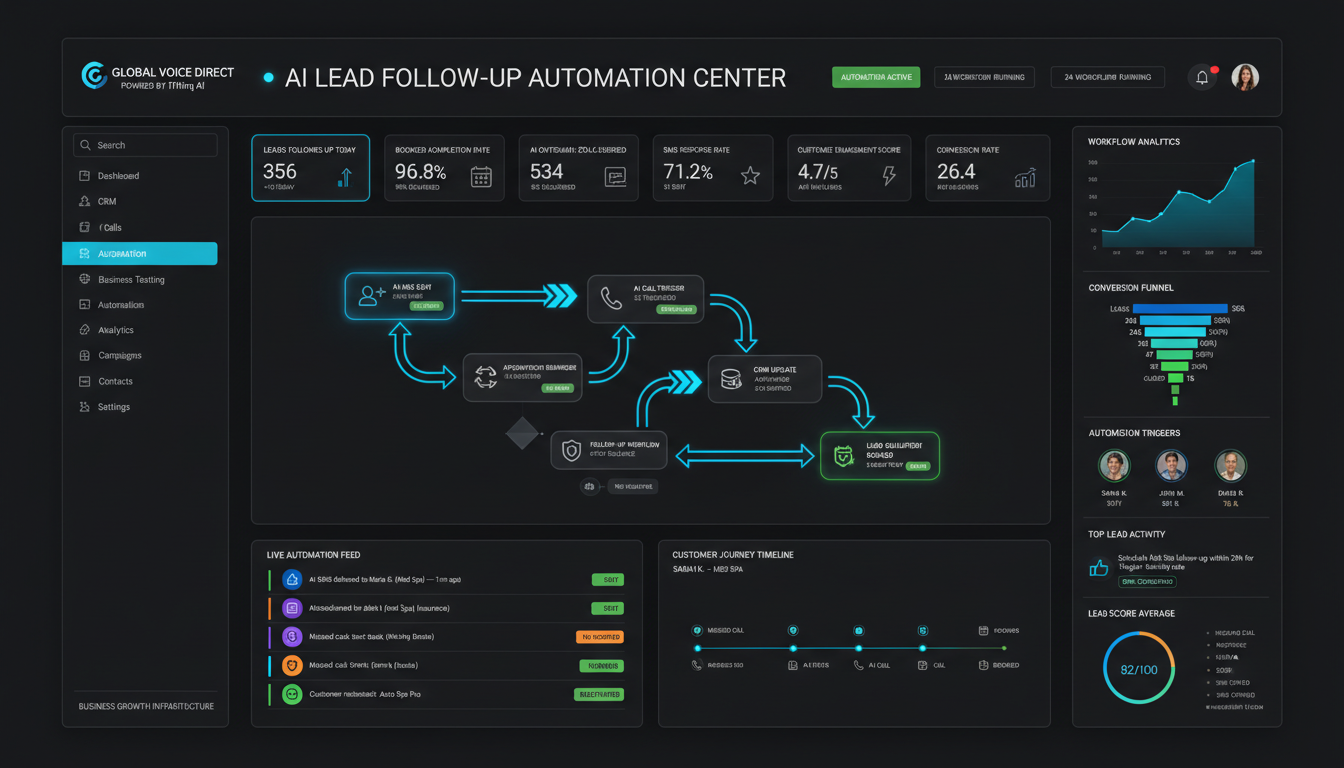
A Business Automation Framework is a structured system that identifies which business processes should be automated, in what order, and at what scale. It covers communication, lead management, customer service, operations, reporting, and growth — so businesses can run consistently without depending on manual effort for every task.
What Is Business Automation?
Business automation is the use of technology and systems to perform repeatable tasks without requiring a person to do them manually every time.
It is not about replacing people. It is about freeing people from tasks that do not require human judgment, creativity, or relationship-building.
Business Automation
Using technology to handle repeatable business tasks — communication, follow-up, scheduling, data collection — without manual effort for each occurrence.
Workflow Automation
Connecting steps in a process so that completing one step automatically triggers the next — eliminating gaps, delays, and human error between tasks.
Process Automation
Systematizing a specific business function — such as lead follow-up or appointment reminders — so it runs the same way every time, at scale.
Operational Efficiency
The ability to produce the same or better output with less time, cost, and effort — achieved by removing unnecessary steps and automating the rest.
Why Businesses Need Automation
When a business relies entirely on people for every task, four problems emerge as it grows.
Consistency
People have good days and bad days. Systems do not. Automation ensures every lead gets followed up, every customer gets a response, and every process runs exactly the same way — every time.
Scalability
Hiring more people to handle more volume is expensive and slow. Automation scales instantly. The same system that handles 10 leads a day handles 1,000 — without adding headcount.
Efficiency
Manual tasks consume hours that could go toward strategy, sales, and service. Automation reclaims that time and redirects it toward work that actually moves the business forward.
Customer Experience
Customers expect fast responses. Automation eliminates the delays that come from relying on a person to be available at the exact right moment. Speed becomes a feature, not a luxury.
Automation does not just reduce friction internally. It removes friction for customers — and in a competitive market, that difference is often what determines whether a business wins or loses a sale.
The Business Automation Framework™
Not all automation is equal. This framework organizes automation into six layers — each one building on the last.
| Layer | Focus Area | What It Handles | Business Impact |
|---|---|---|---|
| 01Communication | Inbound & Outbound Messages | Missed calls, texts, notifications, updates | No customer left waiting |
| 02Lead Management | Pipeline & Follow-Up | Lead capture, routing, follow-up sequences | Every lead gets a response |
| 03Customer Service | Support & Resolution | FAQs, status updates, appointment reminders | Faster resolution, lower support load |
| 04Operations | Internal Processes | Scheduling, task routing, internal alerts | Fewer dropped balls, more consistency |
| 05Reporting | Data & Visibility | Performance dashboards, automated reports | Decisions based on data, not gut feel |
| 06Growth | Acquisition & Retention | Referral systems, review requests, reactivation | Revenue without constant manual effort |
Most businesses start with Layer 1 and Layer 2. These deliver the fastest return because they directly impact revenue. The goal is to work through all six layers over time — building a business that runs on systems, not on who showed up today.
Communication Automation
Communication is where most businesses lose customers without realizing it.
A missed call. A slow text reply. A follow-up that never happened. These are not random failures — they are system failures. And they are preventable.
Communication automation handles the layer of business activity that customers experience first — and judge fastest.
- Missed call text-back — responds immediately when a call is not answered
- Appointment confirmations — reduces no-shows without staff making calls
- Customer update notifications — keeps customers informed at every stage
- Review request automation — collects feedback after service completion
- Two-way business text messaging — manages conversations at scale
Businesses like Global Voice Direct provide the communication infrastructure that makes this possible — combining business phone systems, AI voice, and text messaging into a single platform built for small business automation.
AI And Automation
AI does not replace automation. It accelerates it.
Traditional automation follows rules: if X happens, do Y. AI adds judgment: understand what X means, then respond in the most appropriate way.
AI Workflows
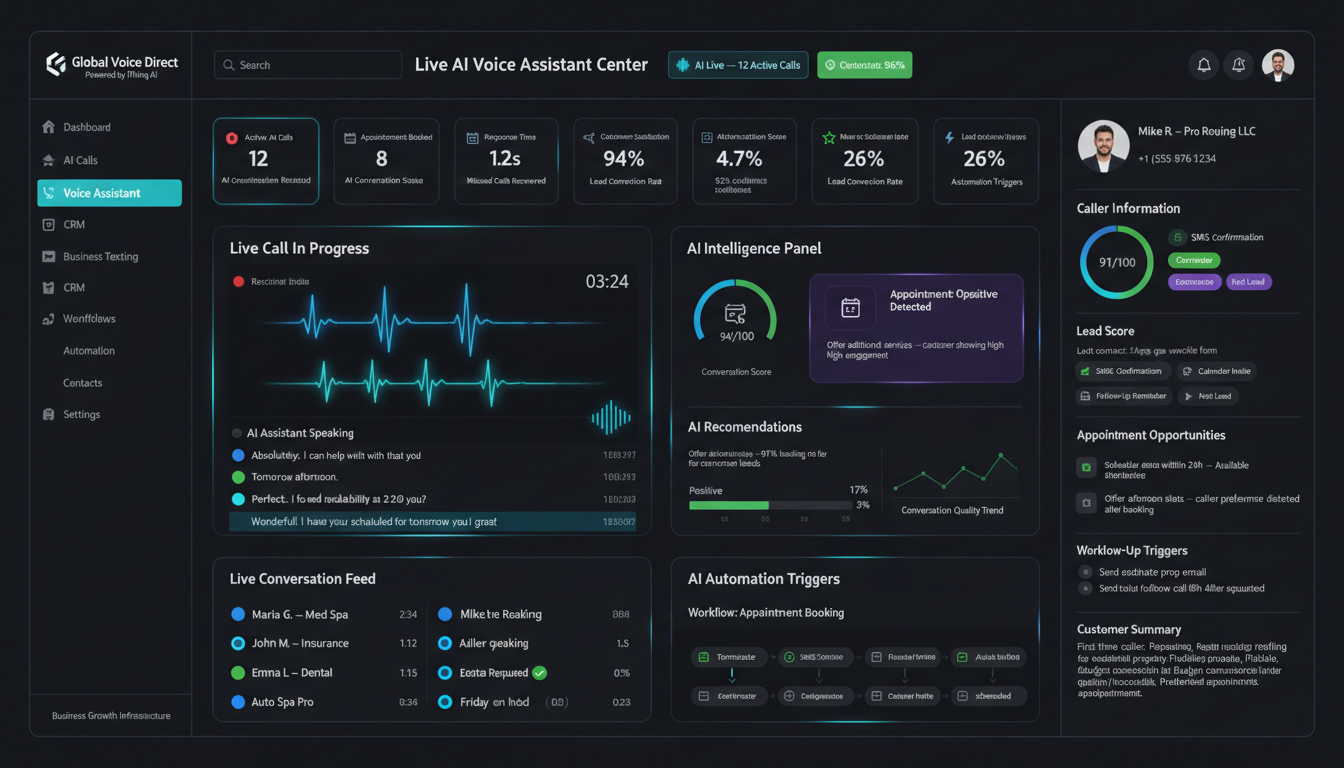
AI-powered workflows adapt to context — routing calls, qualifying leads, and responding to customer inquiries without scripted menus or rigid logic trees.
Customer Engagement
AI handles first contact, answers common questions, and escalates complex issues to humans — so customers get instant responses and staff handle only the conversations that need them.
Response Systems
AI response systems monitor inbound messages across channels — phone, text, web — and respond in seconds, at any hour, without adding staff.
Productivity Gains
AI automation has been shown to eliminate hours of repetitive work per team member per week — not by working faster, but by removing the task entirely.
Platforms like IThinq AI are built specifically to bring AI-driven automation to business communication and operational workflows — making enterprise-level automation accessible to small and mid-sized businesses.
The Automation Advantage™
Businesses that automate repetitive tasks gain something money cannot easily buy: capacity.
Capacity for strategy. Capacity for service. Capacity for growth. Automation does not just save time — it creates the conditions under which a business can grow without collapsing under its own operational weight.
The Automation Advantage is not about having more tools. It is about having better systems. A business that has automated its core operations can take on 10x more customers without hiring 10x more staff.
That is leverage. And leverage is how small businesses compete with larger ones.
What Should Be Automated?
A good rule: automate anything that is repeatable, predictable, and does not require human judgment in the moment.
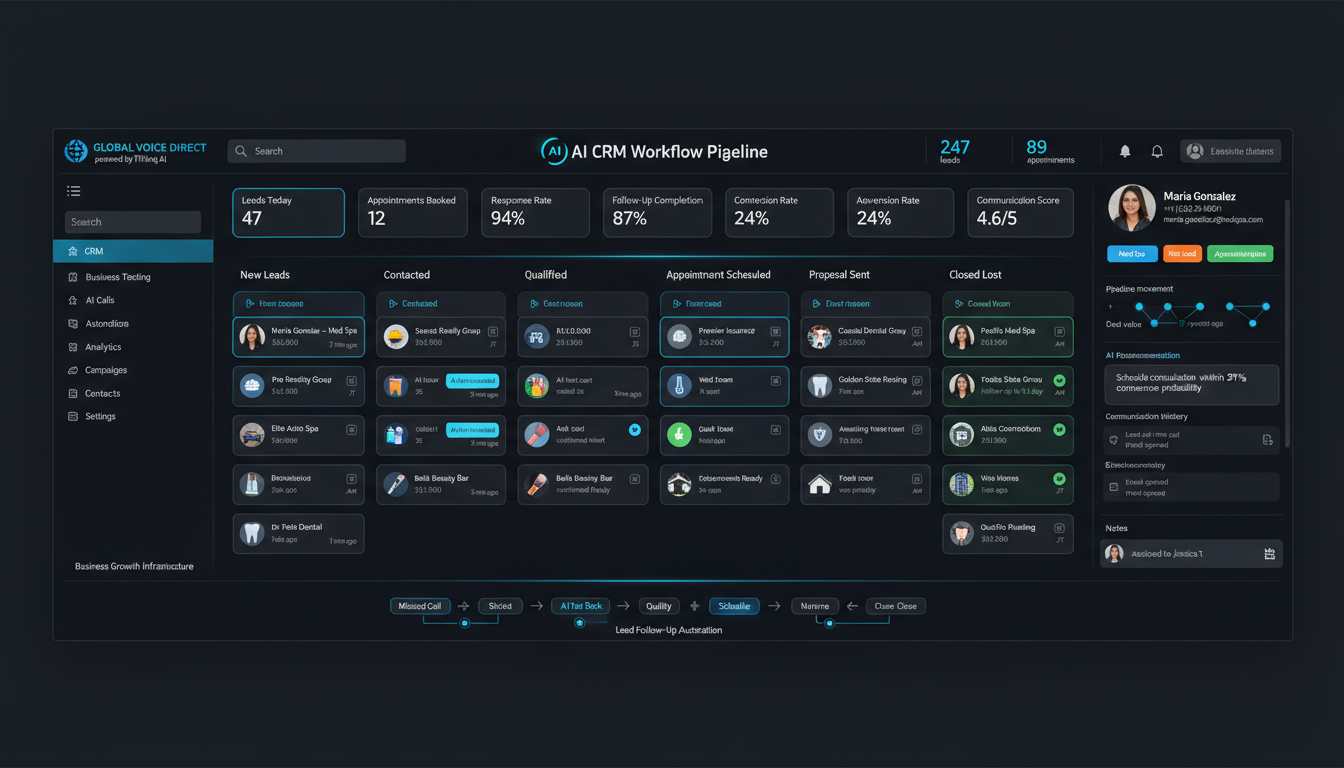
- Lead follow-up — first response to every new inquiry within minutes, not hours
- Appointment reminders — reduce no-shows with automated text or voice reminders
- Customer communication — status updates, order confirmations, service notifications
- Reporting — weekly dashboards and performance reports generated automatically
- Internal notifications — alert team members when specific events occur
- Review requests — ask for reviews after service completion, automatically
- Reactivation campaigns — reach past customers who have gone quiet
- Onboarding sequences — guide new customers through their first steps without staff doing it manually
What Should Never Be Automated?
Automation is a tool. Like every tool, it can be misused.
Some parts of a business should always remain human — because the value they deliver is human.
✓ Automate This
- Routine follow-up messages
- Appointment reminders
- Status notifications
- Data collection and entry
- Report generation
- Lead routing
✗ Never Automate This
- Relationship building
- Strategic decisions
- Leadership and culture
- Complex complaint resolution
- Customer empathy moments
- Hiring and team development
The businesses that get automation wrong tend to automate everything — and end up with a cold, robotic experience that drives customers away. The businesses that get it right use automation to handle the infrastructure while keeping the human layer where it matters most.
Common Automation Mistakes
Most automation failures are not technology failures. They are strategy failures.
- Automating a broken process — automation makes a bad process run faster and worse. Fix the process first, then automate it.
- Too much automation too soon — businesses that automate everything before understanding their customers end up with systems that feel impersonal and drive churn.
- No human override — every automated system needs a clear escalation path. When the automation cannot handle a situation, a human must be able to step in immediately.
- Ignoring the customer experience — automation should make the customer’s experience faster and better, not cheaper for the business at the customer’s expense.
- Set it and forget it — automated systems need monitoring. A broken automation that runs for three months undetected can do serious damage to customer relationships.
The Automation Audit™
Use this checklist to identify where automation can deliver the fastest results in your business.
- Do missed calls get an automatic text-back response?
- Does every new lead receive a response within 5 minutes?
- Are appointment reminders sent automatically?
- Are customers notified automatically when their status changes?
- Is there an automated follow-up sequence for leads who do not convert?
- Are review requests sent automatically after service completion?
- Is there a reactivation campaign for past customers?
- Are internal team notifications automated when key events occur?
- Are weekly performance reports generated automatically?
- Is there a clear human escalation path when automation cannot resolve an issue?
If you answered “no” to more than three of these, your business has automation gaps that are costing you time, leads, or customers — likely all three.
Founder Insight
Automation Readiness Score™
Score your business across five categories. Each category is worth up to 20 points. A total score of 80–100 indicates strong automation readiness. Below 40 signals urgent gaps.
| Category | Description | Scoring Criteria | Readiness Level |
|---|---|---|---|
| Communication | Inbound response speed, missed call handling, text messaging | 0–5: Manual only · 6–10: Partial · 11–15: Mostly automated · 16–20: Fully automated | 0–5: Critical 16–20: Ready |
| Operations | Scheduling, task routing, team notifications, internal alerts | 0–5: All manual · 6–10: Some tools · 11–15: Integrated · 16–20: Fully systematized | 0–5: Critical 16–20: Ready |
| Customer Service | FAQ handling, appointment reminders, update notifications | 0–5: Manual responses · 6–10: Templates only · 11–15: Partial automation · 16–20: Fully automated | 6–10: Developing 16–20: Ready |
| Reporting | Performance dashboards, automated reports, real-time visibility | 0–5: No reporting · 6–10: Manual reports · 11–15: Semi-automated · 16–20: Full dashboard | 0–5: Critical 16–20: Ready |
| Growth | Lead follow-up, review requests, referral systems, reactivation | 0–5: No systems · 6–10: Ad hoc · 11–15: Some automation · 16–20: Systematized pipeline | 6–10: Developing 16–20: Ready |
80–100: Automation-ready. Focus on optimization and Layer 6 growth systems.
60–79: Developing. Identify the two lowest-scoring categories and build those systems next.
40–59: Early stage. Prioritize communication and lead management automation immediately.
0–39: Critical gaps. Manual operations are limiting growth and creating customer experience risk.
Frequently Asked Questions
Automation Creates Capacity For Growth
The goal is not to replace people. The goal is to eliminate repetitive work so businesses can focus on customers, strategy, and growth.